
Open files without leaving the terminal.
⌘-click a path in terminal output to preview images, rendered Markdown, and syntax-highlighted code beside your panes, with the file's git status at a glance.
FIRST MACOS BETA · APPLE SILICON
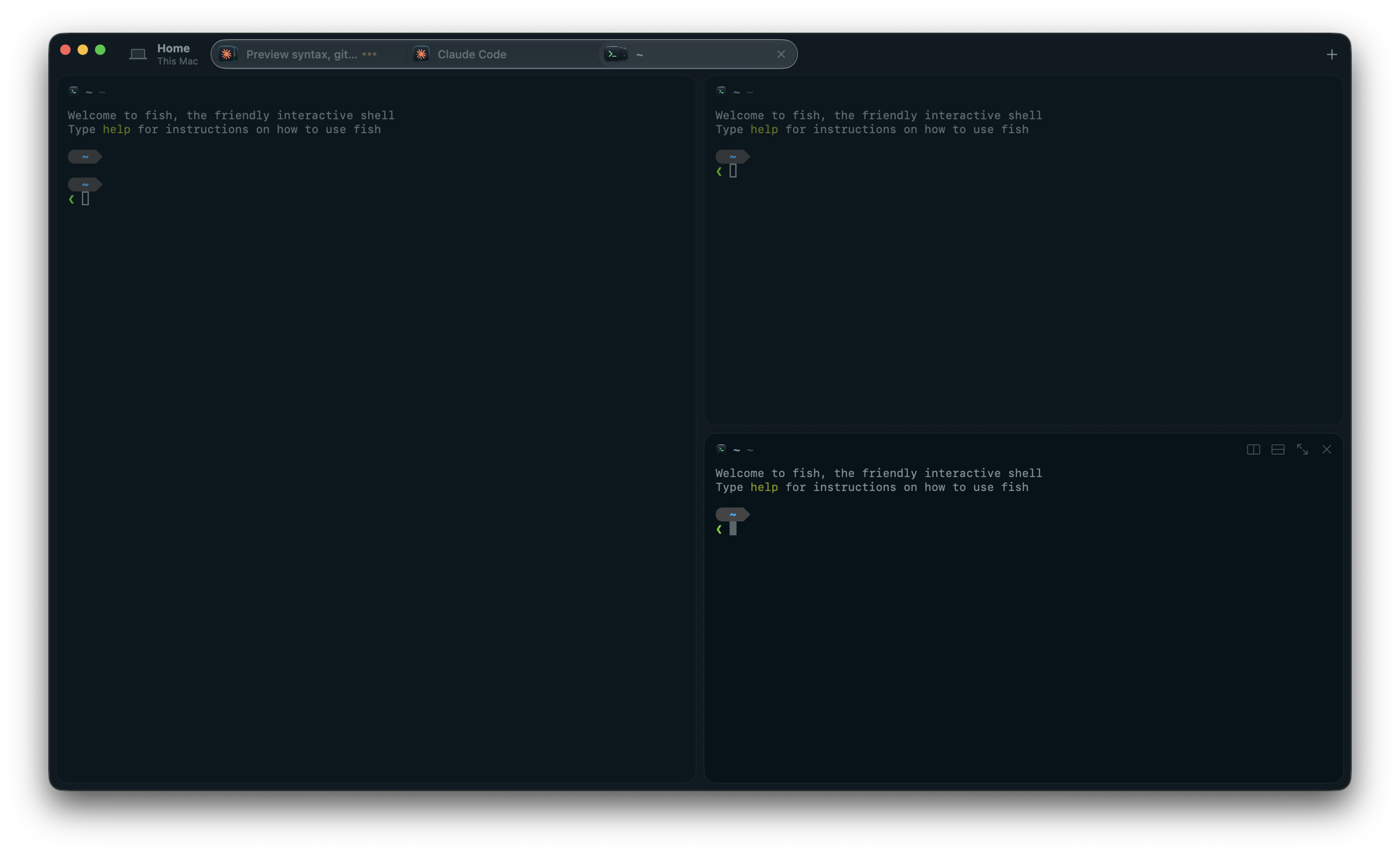
Zurafa is a composed macOS terminal workspace for local shells, split panes, file previews, remote SSH, and coding agents — designed to feel quiet even when the work gets loud.


THE WORKSPACE
Zurafa brings the moving parts of terminal work into one coherent place.
⌘-click a path in terminal output to preview images, rendered Markdown, and syntax-highlighted code beside your panes, with the file's git status at a glance.
Tabs show the icon of every program running in their panes. Paste a screenshot and Zurafa hands the agent a file path.
Theme, accent color, opacity, and pane spacing live in ~/.config/config.zurafa. Changes apply when you save.
Use any Ghostty theme or import your Ghostty colors and fonts. The whole app follows them, down to the command palette.
Save hosts and open remote sessions through the system SSH client. Your existing keys, aliases, and host verification stay in play.
OSC 7501 reports let compatible programs share progress and state without Zurafa guessing from terminal text.
Zurafa offers to install the zurafa CLI on first launch, so scripts can list and control sessions, tabs, and panes.
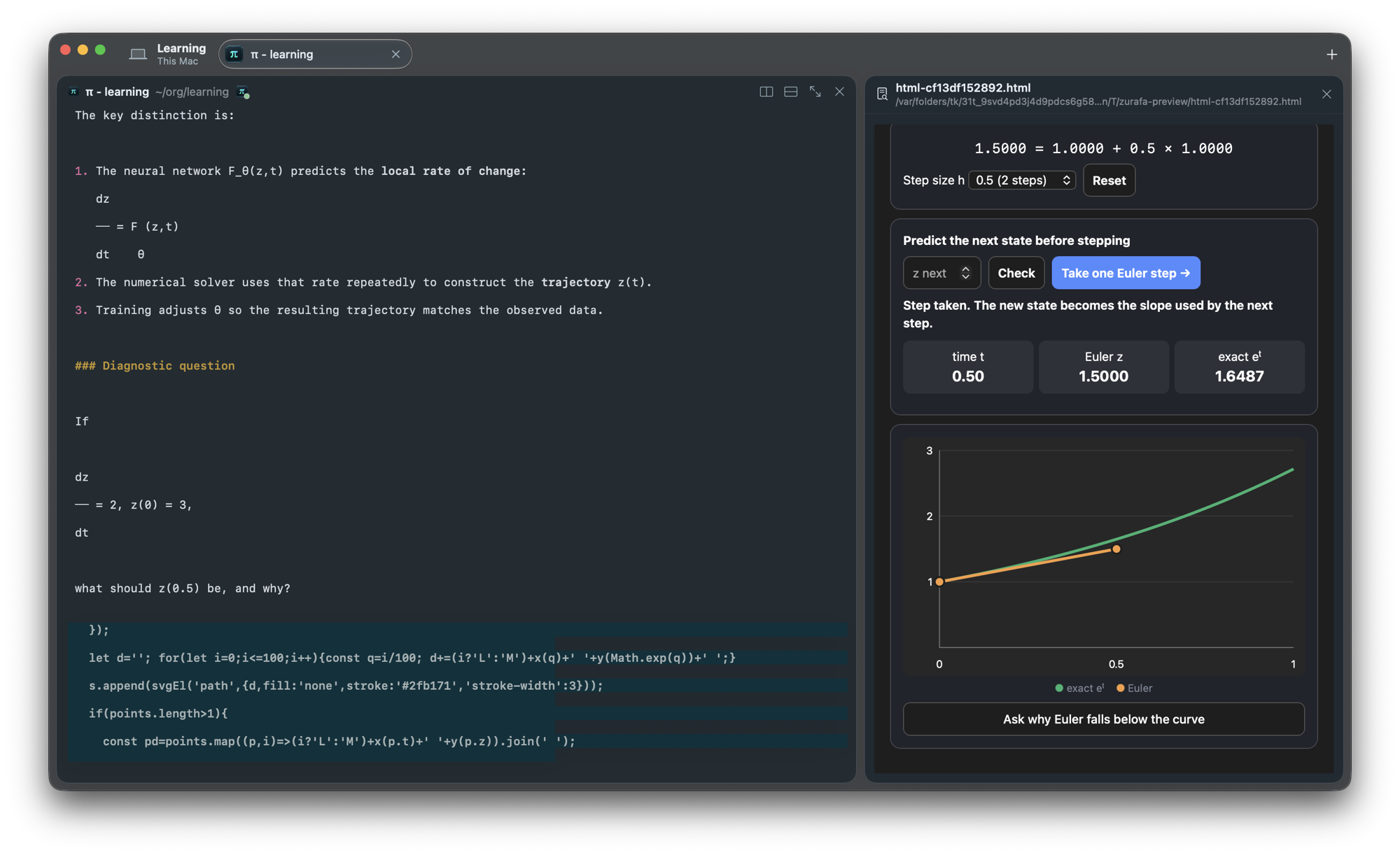
Agents can open live HTML pages in the preview: animations you step through, charts that update, Mermaid diagrams. Click a node or a button and its follow-up question lands in the agent's prompt, ready for you to edit and send.
Pages run offline and can't reach the network, and nothing is sent until you press Enter.
A PRACTICAL FLOW
OPEN BY DESIGN
A Rust daemon owns sessions, layout, PTYs, events, and snapshots; the macOS app follows that state and recovers after reconnecting. The event schema and IPC protocol are documented.
Read the architecture{
"category": "terminal",
"name": "program_status_changed",
"payload": {
"id": "build",
"reason": "report"
}
}READY TO TRY IT?
Zurafa 0.1.12 is available as a notarized DMG for Apple Silicon Macs running macOS 14 or newer.
Open the DMG, drag Zurafa into Applications, and future updates arrive in the app via Sparkle.